
Teletask TDS12032WH Touch Panel (8 buttons, OLED, white)
Manufacturer: TeletaskSKU: TET/TDS12032WH
3301,82 zł net
≈ 751 € (settled in PLN, NBP rate of 2026-10-30)
Net price for businesses — after logging in
Made to order
Fast delivery
Shipping from the Solmix warehouse
Manufacturer's warranty
Original, new product
VAT invoice
For every order
14-day returns
No reason required
- Category
- Inteligentny dom
- Manufacturer
- Teletask
- SKU
- TET/TDS12032WH
- Availability
- Made to order
The Teletask TDS12032WH glass touch panel features 8 capacitive buttons, an OLED display, and a built-in temperature sensor. The device is powered by 12 V from the AUTOBUS and is designed for horizontal installation in a standard wall box.
The touch panel from the AURUS-OLED PLUS series features a front made of safety glass with a ceramic print, thermally tempered at 800°C. The user interface consists of 8 capacitive buttons, an OLED display, and 8 LEDs with night backlighting. The system supports a hidden menu with four pages, two of which are pre-configured for audio and temperature control. The module is designed for wall mounting exclusively in a horizontal orientation.
Key features
- Built-in IR receiver for remote control and a buzzer
- Integrated temperature sensor for heating and cooling control
- Hidden button to deactivate the panel for screen cleaning
- AUTOBUS address configuration via rotary switches
- Can be installed in a standard single wall box or a BTicino 506L box
Technical specifications
| Power supply | 12 V |
| Maximum current consumption | 110 mA |
| Communication | AUTOBUS |
| IP rating | IP20 |
| Operating temperature | 0°C to +50°C |
| Wall-mounted dimensions (W x H x D) | 205 x 100 x 13.5 mm |
| Net weight | 0.295 kg |
Frequently asked questions
W jakiej pozycji należy zamontować panel na ścianie?+
Urządzenie należy instalować w puszce ściennej wyłącznie w pozycji poziomej.
W jaki sposób konfigurowany jest panel dotykowy?+
Konfiguracja ustawień panelu odbywa się za pomocą oprogramowania PROSOFT Suite w wersji 3.5.12 lub nowszej.
Jak zdemontować urządzenie po jego zainstalowaniu?+
Aby zdemontować panel, należy wsunąć standardowy płaski śrubokręt o wymiarach 5x100 mm w dedykowaną szczelinę znajdującą się z tyłu obudowy.
Similar products
Teletask
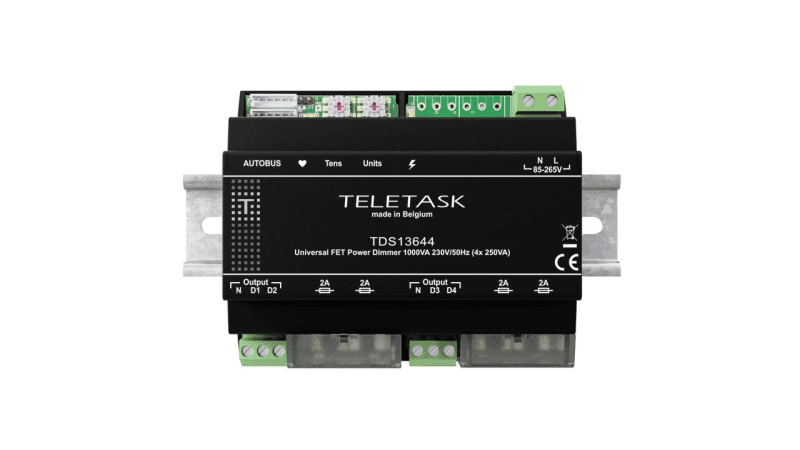
Ściemniacz uniwersalny TELETASK TDS13644 (4x250 VA, szyna DIN)
2780,15 zł netto
Teletask
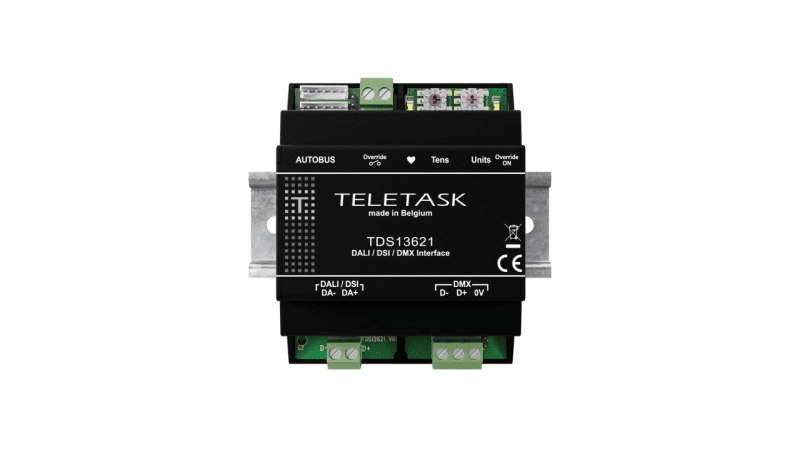
Moduł interfejsu Teletask TDS13621 (DALI, DSI, DMX)
3065,86 zł netto
Teletask
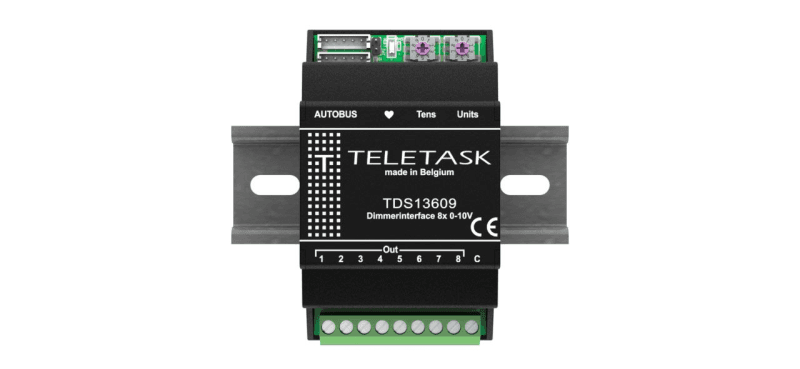
Moduł sterujący Teletask TDS13609 (8 wyjść 0-10 V)
1851,60 zł netto
Teletask
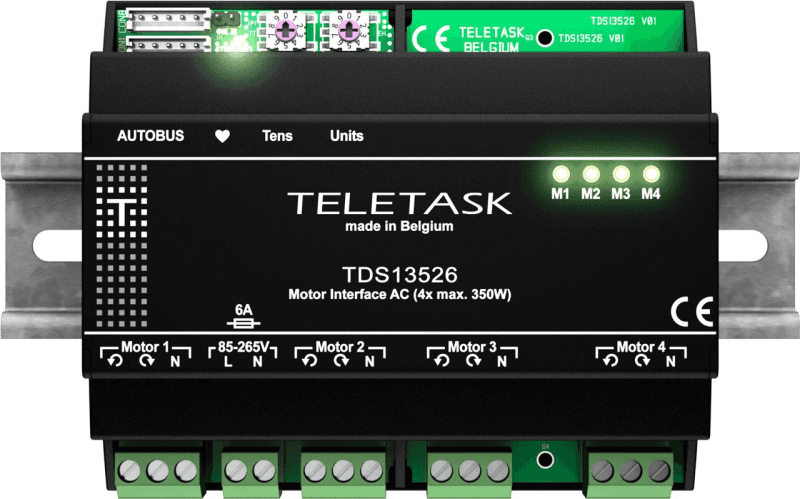
Moduł do sterowania silnikami AC Teletask TDS13526 (4x 350 W)
2560,38 zł netto