
Teletask TDS12027BL Touch Panel (6 Buttons, Black)
Manufacturer: TeletaskSKU: TET/TDS12027BL
2301,94 zł net
≈ 524 € (settled in PLN, NBP rate of 2026-10-30)
Net price for businesses — after logging in
Made to order
Fast delivery
Shipping from the Solmix warehouse
Manufacturer's warranty
Original, new product
VAT invoice
For every order
14-day returns
No reason required
- Category
- Inteligentny dom
- Manufacturer
- Teletask
- SKU
- TET/TDS12027BL
- Availability
- Made to order
The Teletask TDS12027BL glass touch panel is designed to control building automation systems and is equipped with 6 capacitive buttons. The device features built-in temperature, humidity, and volatile organic compound (VOC) sensors, as well as an infrared receiver and a buzzer.
The Teletask TDS12027BL touch panel is designed for vertical mounting in standard installation boxes. The front of the device is made of safety glass with a ceramic, thermally toughened black background. This model communicates with the central unit via the AUTOBUS, which also provides its power supply. The configuration of parameters and functions assigned to the six buttons is carried out using the PROSOFT Suite software.
Key features
- 6 programmable, capacitive control buttons.
- Hidden button for temporary screen locking for cleaning purposes.
- Integrated temperature, relative humidity, and VOC sensors.
- Built-in infrared receiver for remote control operation.
- 12 V power supply directly from the AUTOBUS.
Technical data
| Power supply voltage | 12 V |
| Maximum current consumption | 52 mA |
| Protection class | IP20 |
| Operating temperature | 0°C to +50°C |
| Dimensions (W x H x D) | 90 x 140 x 11 mm |
| Net weight | 0.17 kg |
Frequently asked questions
Jak przypisać adres na magistrali AUTOBUS do panelu?+
Adresowanie odbywa się sprzętowo za pomocą dwóch przełączników obrotowych (dziesiątki i jedności) umieszczonych na urządzeniu.
Jak wyczyścić panel bez przypadkowego uruchomienia funkcji?+
Należy nacisnąć i przytrzymać ukryty przycisk pojemnościowy w górnej środkowej części ekranu, co tymczasowo dezaktywuje pola dotykowe. Do czyszczenia używa się wyłącznie suchej ściereczki z mikrofibry, bez użycia płynów czy rozpuszczalników.
Jakie są zalecenia dotyczące orientacji i sposobu montażu panelu?+
Panel instaluje się wyłącznie w orientacji pionowej. Należy pamiętać, że montaż zlicowany (płaski) lub w zamkniętych obudowach natynkowych może zaburzyć prawidłowe odczyty wbudowanych czujników temperatury, wilgotności i LZO.
Similar products
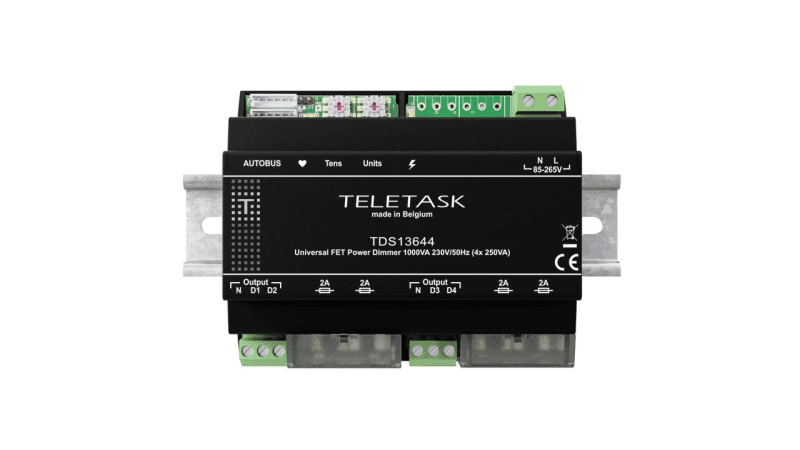
Teletask
Ściemniacz uniwersalny TELETASK TDS13644 (4x250 VA, szyna DIN)
2780,15 zł netto
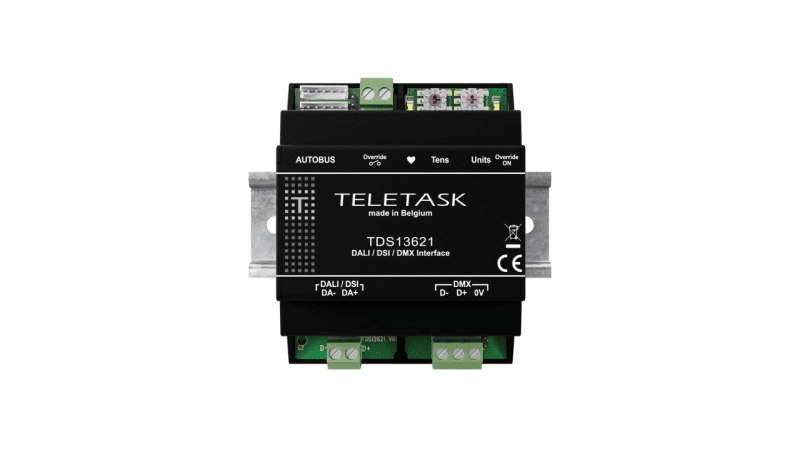
Teletask
Moduł interfejsu Teletask TDS13621 (DALI, DSI, DMX)
3065,86 zł netto
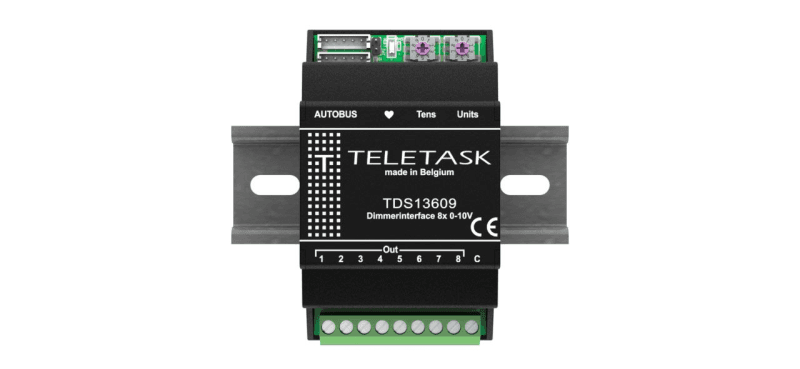
Teletask
Moduł sterujący Teletask TDS13609 (8 wyjść 0-10 V)
1851,60 zł netto
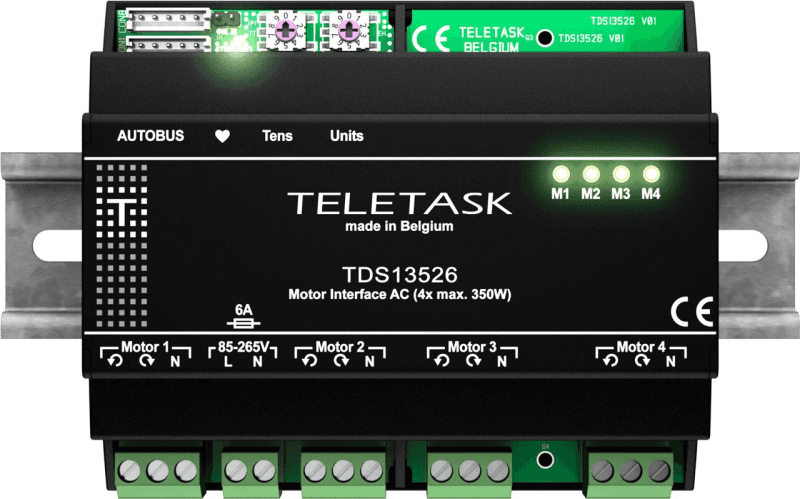
Teletask
Moduł do sterowania silnikami AC Teletask TDS13526 (4x 350 W)
2560,38 zł netto