
Teletask TDS12021WH Touch Panel (4 buttons, white)
Manufacturer: TeletaskSKU: TET/TDS12021WH
1944,84 zł net
≈ 442 € (settled in PLN, NBP rate of 2026-10-30)
Net price for businesses — after logging in
Made to order
Fast delivery
Shipping from the Solmix warehouse
Manufacturer's warranty
Original, new product
VAT invoice
For every order
14-day returns
No reason required
- Category
- Inteligentny dom
- Manufacturer
- Teletask
- SKU
- TET/TDS12021WH
- Availability
- Made to order
The Teletask TDS12021WH touch panel features 4 integrated capacitive buttons and a temperature sensor. This model has a white tempered glass front and is powered via the AUTOBUS.
The Teletask TDS12021WH touch panel is designed for controlling smart building systems. The front of the device is made of safe glass thermally tempered at 800 °C and finished with a ceramic print. The panel is equipped with a temperature sensor that can work with heating and air conditioning systems. Installation is carried out in standard flush-mounting boxes, and the design allows for both vertical and horizontal orientation.
Key features
- 4 capacitive buttons with white LED backlight and acoustic feedback
- Built-in infrared receiver compatible with remote controls
- Hidden cleaning button that temporarily locks touch functions
- Support for the AUTOBUS communication protocol
Technical data
| Supply voltage | 12 V (min. 9 V) |
| Maximum power consumption | 32 mA |
| Protection class | IP20 |
| Operating temperature | from 0 °C to +50 °C |
| Front dimensions | 90 x 140 x 13 mm |
| Net weight | 0.200 kg |
Frequently asked questions
Jakie jest napięcie zasilania panelu Teletask TDS12021WH?+
Panel jest zasilany napięciem 12 V dostarczanym przez magistralę AUTOBUS. Dopuszczalne napięcie minimalne to 9 V.
Czy urządzenie można zainstalować w orientacji poziomej?+
Tak, panel jest fabrycznie przystosowany do montażu pionowego, ale dopuszcza się również bezproblemową instalację w pozycji poziomej.
Jak prawidłowo czyścić szklany front urządzenia?+
Należy wcisnąć dłuższą chwilę ukryty przycisk w centralnej górnej części obudowy, aby zablokować dotyk, a następnie przetrzeć powierzchnię suchą ściereczką z mikrofibry. Nie wolno stosować płynów ani rozpuszczalników.
Similar products
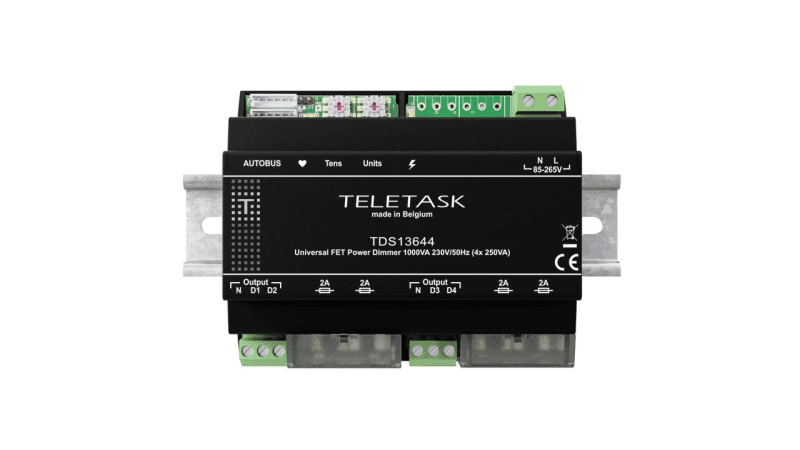
Teletask
Ściemniacz uniwersalny TELETASK TDS13644 (4x250 VA, szyna DIN)
2780,15 zł netto
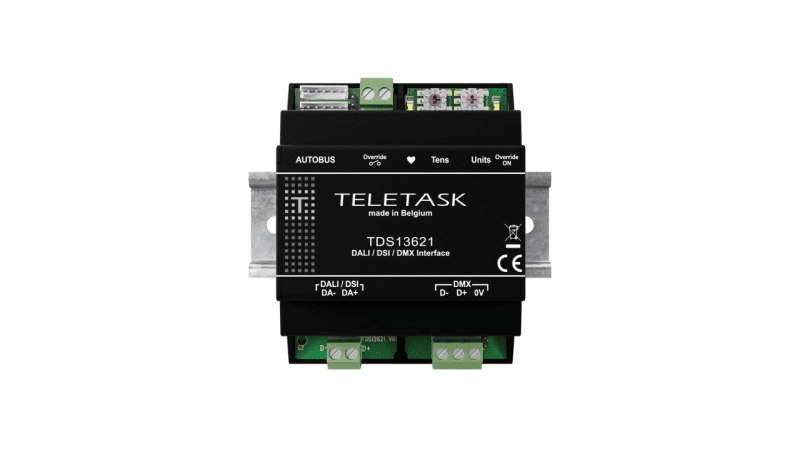
Teletask
Moduł interfejsu Teletask TDS13621 (DALI, DSI, DMX)
3065,86 zł netto
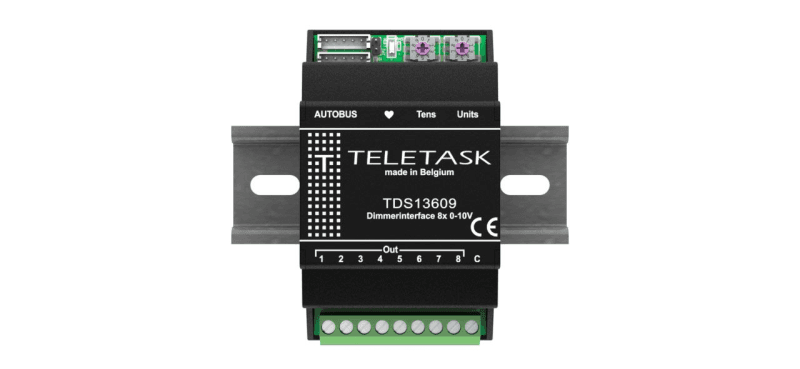
Teletask
Moduł sterujący Teletask TDS13609 (8 wyjść 0-10 V)
1851,60 zł netto
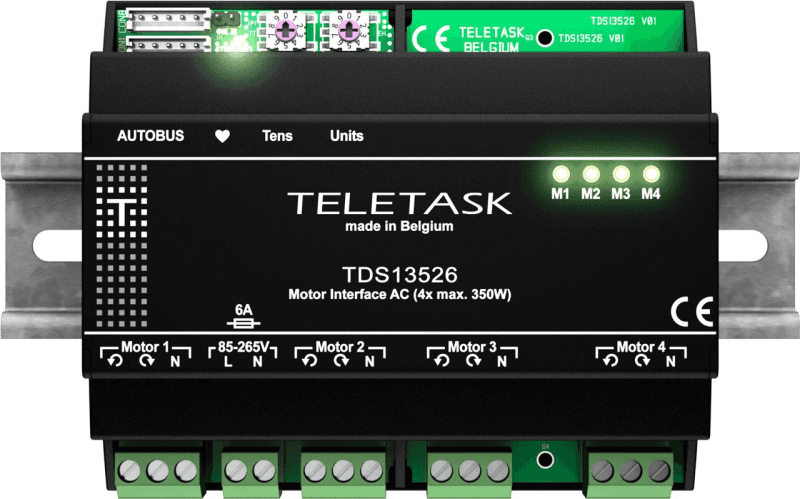
Teletask
Moduł do sterowania silnikami AC Teletask TDS13526 (4x 350 W)
2560,38 zł netto