
Teletask TDS12020BL Touch Panel (glass, 2 buttons, black)
Manufacturer: TeletaskSKU: TET/TDS12020BL
1598,26 zł net
≈ 364 € (settled in PLN, NBP rate of 2026-10-30)
Net price for businesses — after logging in
Made to order
Fast delivery
Shipping from the Solmix warehouse
Manufacturer's warranty
Original, new product
VAT invoice
For every order
14-day returns
No reason required
- Category
- Inteligentny dom
- Manufacturer
- Teletask
- SKU
- TET/TDS12020BL
- Availability
- Made to order
The Teletask TDS12020BL touch panel is a device designed for smart building systems, featuring two capacitive buttons and a thermally toughened glass front. The product has a built-in temperature sensor and an infrared receiver, and it is powered via the AUTOBUS.
The black AURUS-2 touch panel by Teletask is used to operate building automation systems. It features a tempered glass front with ceramic printing. It is operated via two capacitive buttons with white LED backlight and acoustic feedback. Additionally, the device is equipped with a hidden button to temporarily lock the interface for safe surface cleaning.
Key features
- Tempered glass front in black
- Two capacitive buttons with white LED backlight
- Built-in temperature sensor and infrared receiver
- 12 V communication and power supply via the AUTOBUS system
- Can be mounted in a standard wall box vertically or horizontally
Technical specifications
| Supply voltage | 12 V (AUTOBUS) |
| Maximum current consumption | 26 mA |
| Operating temperature | 0 °C to +50 °C |
| Protection class | IP20 |
| Wall dimensions (W x H x D) | 90 x 90 x 13 mm |
| Net weight | 0.135 kg |
Frequently asked questions
W jaki sposób ustawia się adres panelu w systemie AUTOBUS?+
Adres panelu AUTOBUS w systemie ustala się za pomocą dwóch wbudowanych przełączników obrotowych (dziesiątki i jedności).
Czy wbudowany czujnik temperatury działa prawidłowo przy montażu zlicowanym ze ścianą?+
Nie, producent zaznacza w dokumentacji, że przy montażu płaskim (zlicowanym) normalne działanie wbudowanego czujnika temperatury zostanie zakłócone.
Jak zablokować przyciski panelu na czas jego czyszczenia?+
Aby tymczasowo wyłączyć przyciski dotykowe na czas czyszczenia, należy długo nacisnąć ukryty przycisk znajdujący się na środku w górnej części panelu.
Similar products
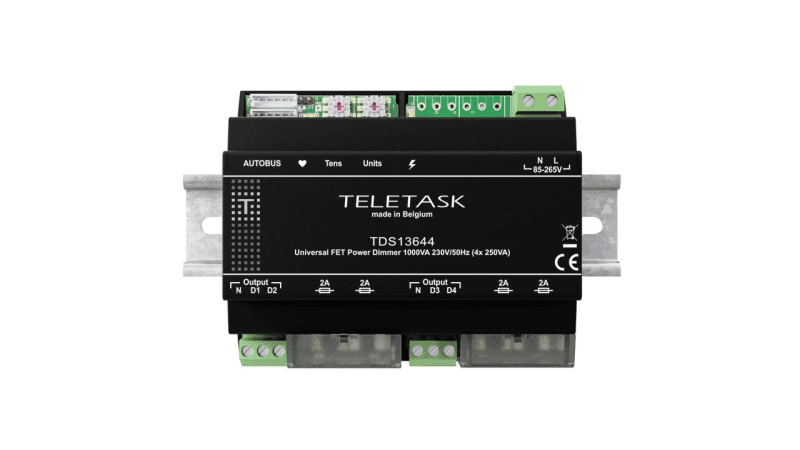
Teletask
Ściemniacz uniwersalny TELETASK TDS13644 (4x250 VA, szyna DIN)
2780,15 zł netto
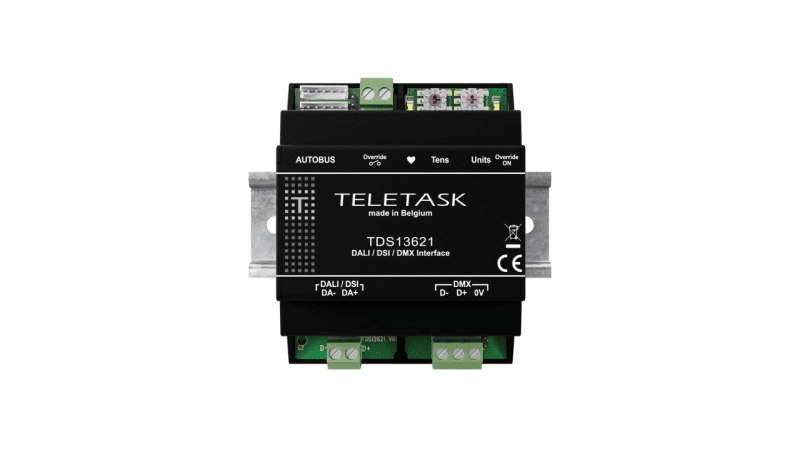
Teletask
Moduł interfejsu Teletask TDS13621 (DALI, DSI, DMX)
3065,86 zł netto
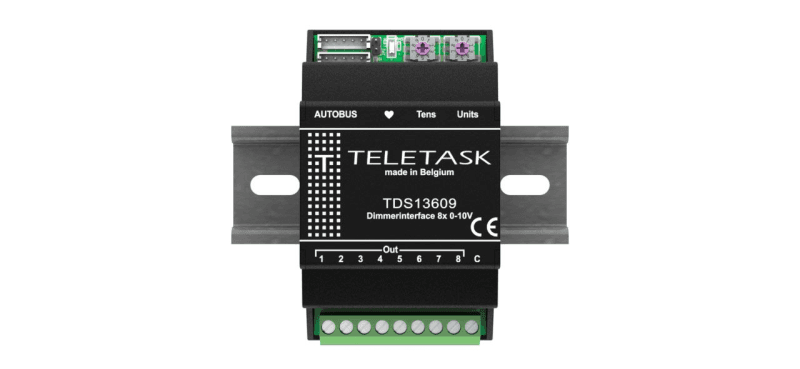
Teletask
Moduł sterujący Teletask TDS13609 (8 wyjść 0-10 V)
1851,60 zł netto
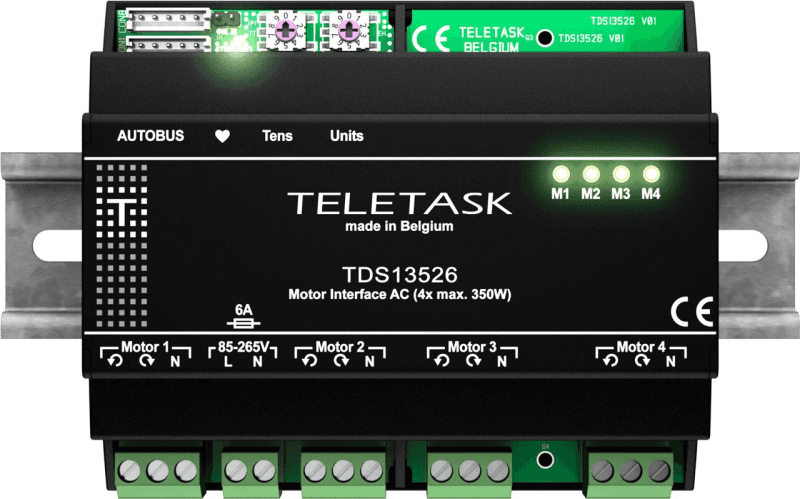
Teletask
Moduł do sterowania silnikami AC Teletask TDS13526 (4x 350 W)
2560,38 zł netto