
Grenton TPA-404-T-01 Touch Panel (4 buttons, black)
Manufacturer: GrentonSKU: GRE/TPA-404-T-01
711,88 zł net
≈ 162 € (settled in PLN, NBP rate of 2026-11-04)
Net price for businesses — after logging in
Made to order
Fast delivery
Shipping from the Solmix warehouse
Manufacturer's warranty
Original, new product
VAT invoice
For every order
14-day returns
No reason required
- Category
- Inteligentny dom
- Manufacturer
- Grenton
- SKU
- GRE/TPA-404-T-01
- Availability
- Made to order
The Grenton TPA-404-T-01 touch panel features a black glass front, replacing traditional light switches in building automation systems. The module communicates via the TF-Bus interface, has four touch buttons, and a built-in temperature sensor.
The black glass Grenton TPA-404-T-01 touch panel is designed to control smart home system components. The device communicates via the TF-Bus and allows up to four independent functions to be assigned to each of the four buttons. The module is equipped with a built-in temperature sensor featuring configurable hysteresis and a built-in sound buzzer. ShowOK and ShowError functions are also available, indicating successful or failed operation via green and red LEDs located on the buttons.
Key features
- Four touch buttons with up to 4 functions assignable to each
- Wired communication via TF-Bus standard
- Built-in temperature sensor
- Operation status indication (ShowOK / ShowError) using LEDs
- Black glass front with the option to engrave icons on the buttons
Technical data
| DC supply voltage | 5 - 24 V |
| Maximum current consumption | 7 mA (at 24 V) |
| Operating temperature range | 0 to +40 °C |
| Dimensions (H / W / D) | 80 / 80 / 10 mm |
| Net thickness | 40 mm |
| Weight | 114 g |
Frequently asked questions
Ile funkcji może realizować pojedynczy przycisk w panelu Grenton?+
Każdy z czterech przycisków może realizować do 4 niezależnych funkcji sterujących.
W jaki sposób panel sygnalizuje wystąpienie błędu (ShowError)?+
Funkcja ShowError powoduje miganie czerwonej diody na przycisku przez 2 sekundy z częstotliwością 500 ms, podczas gdy zielona dioda pozostaje zgaszona.
Jakie zasilanie jest potrzebne do podłączenia panelu?+
Panel wymaga zasilania prądem stałym (DC) o napięciu w zakresie od 5 V do 24 V.
Similar products
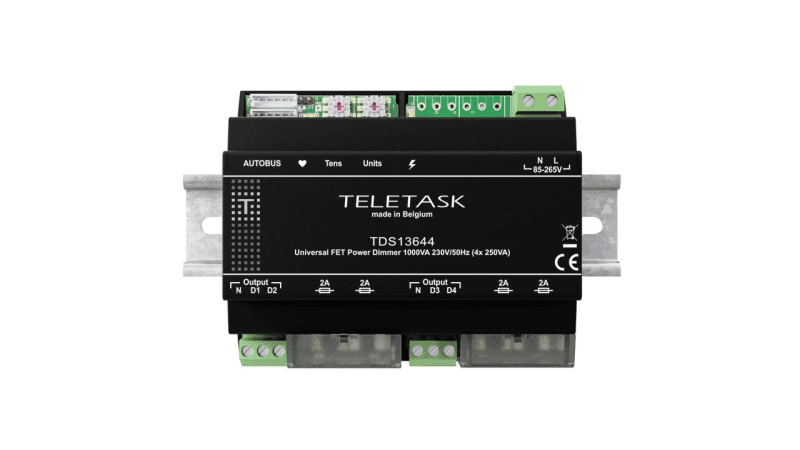
Teletask
Ściemniacz uniwersalny TELETASK TDS13644 (4x250 VA, szyna DIN)
2783,89 zł netto
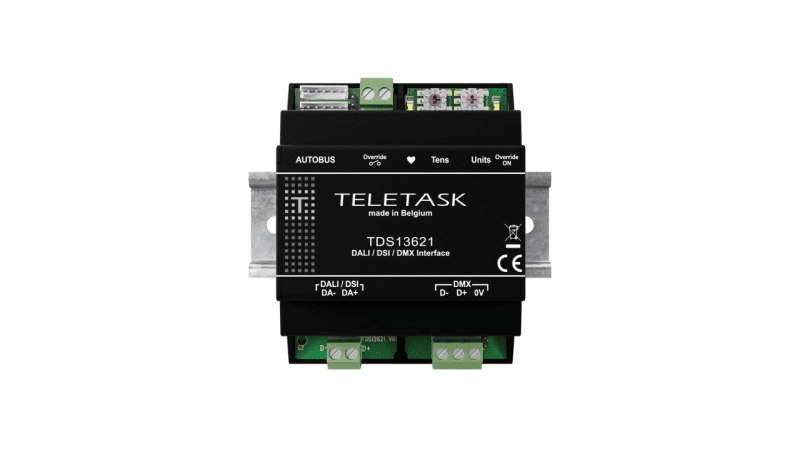
Teletask
Moduł interfejsu Teletask TDS13621 (DALI, DSI, DMX)
3069,98 zł netto
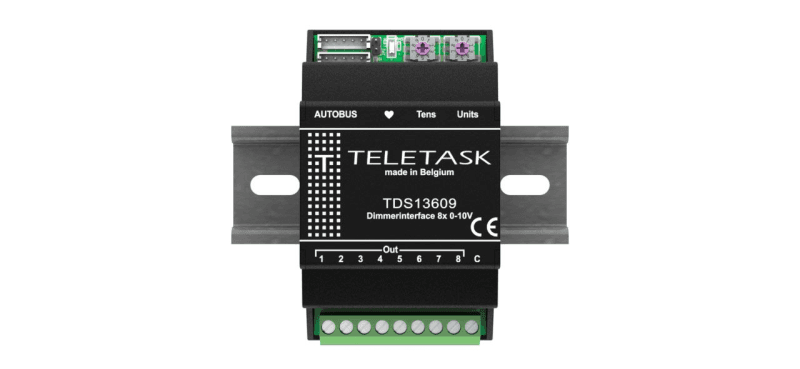
Teletask
Moduł sterujący Teletask TDS13609 (8 wyjść 0-10 V)
1854,09 zł netto
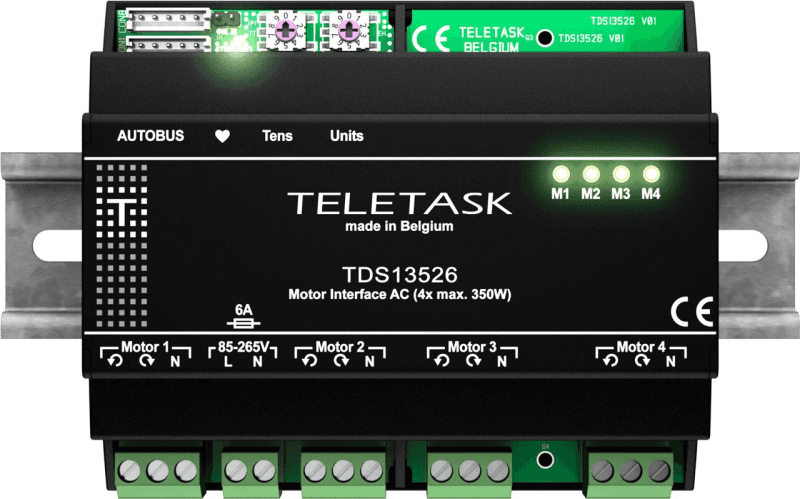
Teletask
Moduł do sterowania silnikami AC Teletask TDS13526 (4x 350 W)
2563,81 zł netto