
Grenton GRE/INF-001-Z-01 Door Opening Sensor (Z-Wave, Battery-Powered)
Manufacturer: GrentonSKU: GRE/INF-001-Z-01
170,00 zł net
≈ 39 € (settled in PLN, NBP rate of 2026-10-26)
Net price for businesses — after logging in
Made to order
Fast delivery
Shipping from the Solmix warehouse
Manufacturer's warranty
Original, new product
VAT invoice
For every order
14-day returns
No reason required
- Category
- Inteligentny dom
- Manufacturer
- Grenton
- SKU
- GRE/INF-001-Z-01
- Availability
- Made to order
The wireless Grenton door and window sensor from the Infibity series operates on the Z-Wave communication protocol. The device is battery-powered and works directly with the Grenton CLU Z-Wave control unit.
The Grenton Infibity GRE/INF-001-Z-01 opening sensor is used to detect the open and closed status of doors, windows, or gates. The device communicates with the Grenton Smart Home system via the wireless Z-Wave standard. A change in the sensor's status sends a signal to the control panel, allowing it to trigger programmed scenarios in a smart building. The model consists of a main unit and an auxiliary element.
Key features
- Communication in the Z-Wave wireless standard
- Compatibility with the Grenton CLU Z-Wave control module and other Z-Wave networks
- Battery power supply for installation without cabling
- Two mounting options: with screws or an adhesive tape
- Built-in LED indicating status change and service modes
Technical data
| Communication protocol | Z-Wave |
| Power supply | Battery |
| Net thickness | 51 mm |
| Supported command classes | COMMAND_CLASS_ZWAVEPLUS_INFO (V2) |
Frequently asked questions
Jak zamontować czujnik otwarcia drzwi Grenton na obiekcie?+
Urządzenie można zamontować na dwa sposoby: przykręcając jednostkę główną do drzwi za pomocą śrub po demontażu obudowy, bądź wykorzystując dołączoną naklejkę.
Jak zresetować sensor do ustawień fabrycznych?+
Aby przywrócić ustawienia fabryczne, należy upewnić się, że urządzenie jest podłączone do zasilania, a następnie nacisnąć i przytrzymać przycisk przez 10 do 15 sekund, aż dioda LED zamiga na czerwono 5 razy naprzemiennie.
W jaki sposób dodać lub usunąć czujnik z sieci Z-Wave?+
Dodanie do sieci lub jej opuszczenie następuje poprzez trzykrotne, szybkie naciśnięcie przycisku na czujniku. Proces ten jest sygnalizowany pięciokrotnym mignięciem czerwonej diody LED.
Similar products
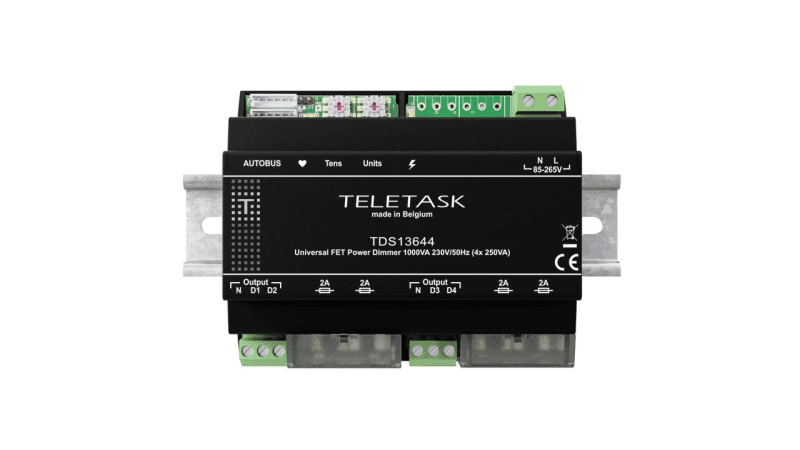
Teletask
Ściemniacz uniwersalny TELETASK TDS13644 (4x250 VA, szyna DIN)
2777,75 zł netto
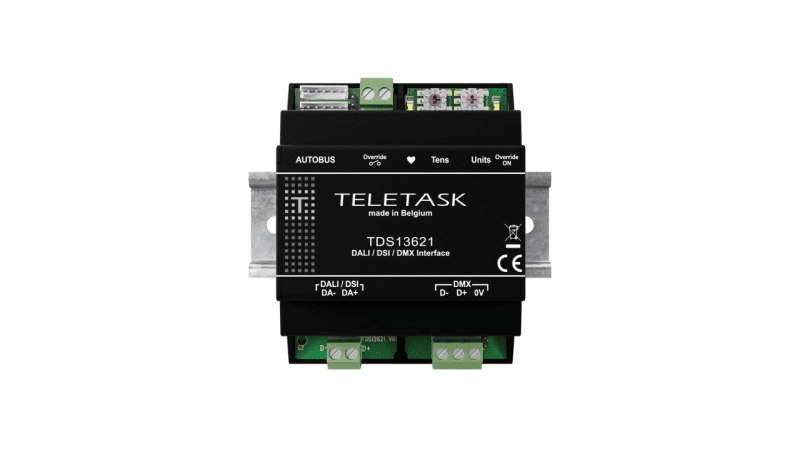
Teletask
Moduł interfejsu Teletask TDS13621 (DALI, DSI, DMX)
3063,21 zł netto
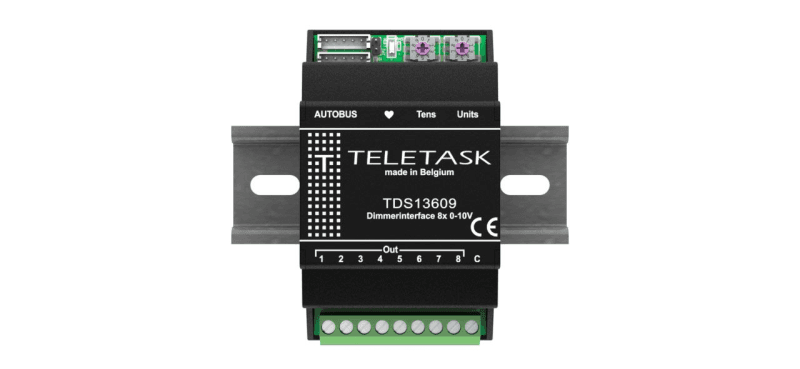
Teletask
Moduł sterujący Teletask TDS13609 (8 wyjść 0-10 V)
1850,00 zł netto
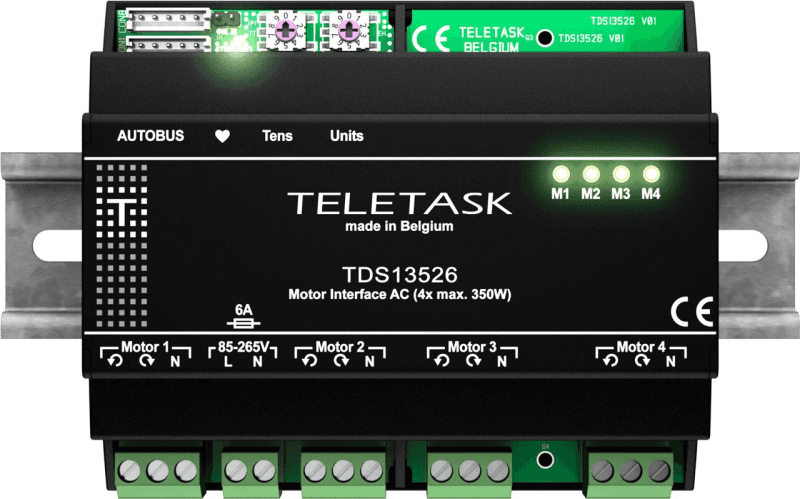
Teletask
Moduł do sterowania silnikami AC Teletask TDS13526 (4x 350 W)
2558,16 zł netto